ScheduleSync
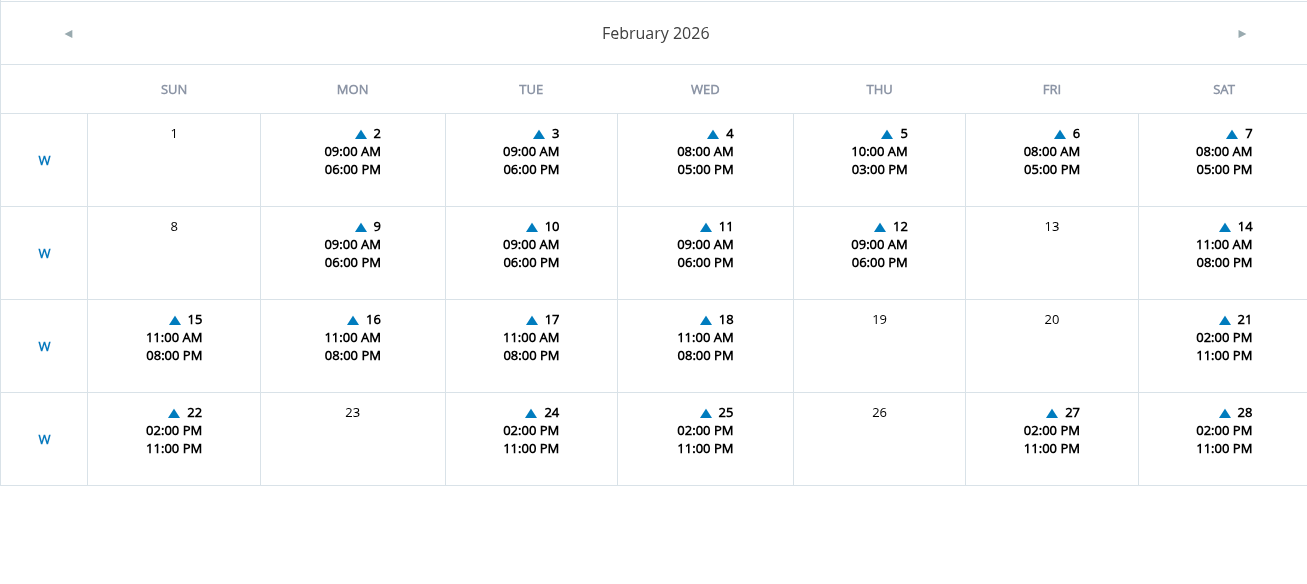
Upload Calendar Screenshot
Drag and drop your screenshot here, or click to select
Supports JPEG and PNG (max 10MB)
Processing Your Schedule
Uploading image...
Review Detected Schedule
Review the detected shifts. Green cells are confident, yellow need a look, red need fixing.
Confident
Review
Fix needed
Overall confidence:
-
Work days
-
Hours
-
Rest
-
Absence/PTO
Calendar Generated Successfully!
Month:
Total Shifts:
Changes Detected:
Recommended: Subscribe to Calendar
Subscribe once and get automatic updates when your schedule changes. No need to re-import!
How to Subscribe:
- Google Calendar: Add calendar → From URL → paste URL
- Apple Calendar (iOS): Settings → Calendar → Accounts → Add Account → Other → Add Subscribed Calendar
- Apple Calendar (macOS): File → New Calendar Subscription → paste URL
Alternative: Download Calendar File
Download the .ics file for manual import. Note: You'll need to delete and re-import for updates.